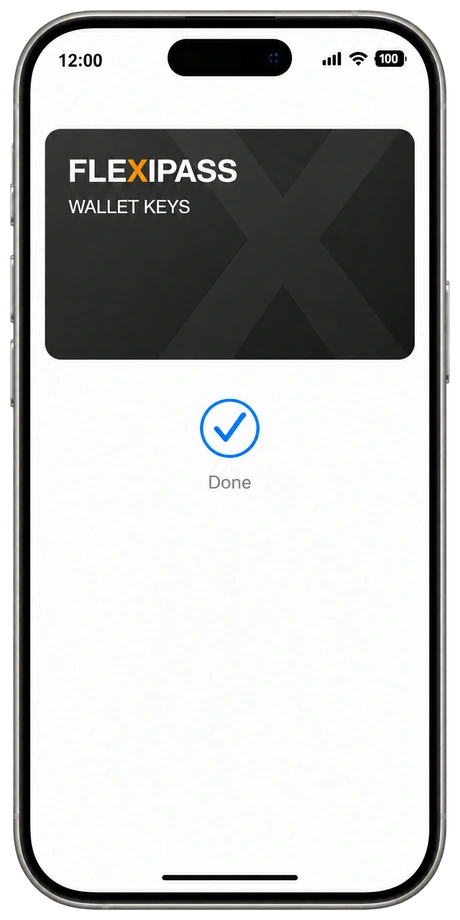
Wallet Keys
In their wallet.
A room key in Apple Wallet or Google Wallet. Guests tap a supported phone or watch at a compatible reader.
Explore Wallet KeysAvailability depends on your locks, software and supported guest devices.FLEXIPASS / HOTEL DIGITAL ACCESS
Bring room access into the guest journey. FLEXIPASS connects your hotel systems and compatible locks to Wallet Keys, Webkeys, Mobile Keys and PIN Codes.
FLEXIPASS / IN ACTION
See digital room access in action. Connect the guest journey to compatible hotel locks with FLEXIPASS.
Explore digital keysFLEXIPASS is a digital access platform for hospitality. It connects property management systems, guest apps and supported door-lock systems so hotels, hostels, serviced apartments and student housing can send guests Wallet Keys, Webkeys, Mobile Keys or PIN Codes as an alternative to plastic keycards.
A hotel keyless entry system connects room access to the guest journey. Bring Wallet Keys, Webkeys, Mobile Keys and PIN Codes to your hotel, hostel or serviced apartments, using compatible locks and hotel software.
Explore digital access
Less time handling keys. More room for the moments that make a stay.
Every hotel has its own way of welcoming guests. Follow the journey from a key in their wallet to a browser link, access inside your app or a PIN at the door.
Wallet Keys
A room key in Apple Wallet or Google Wallet. Guests tap a supported phone or watch at a compatible reader.
Explore Wallet KeysAvailability depends on your locks, software and supported guest devices.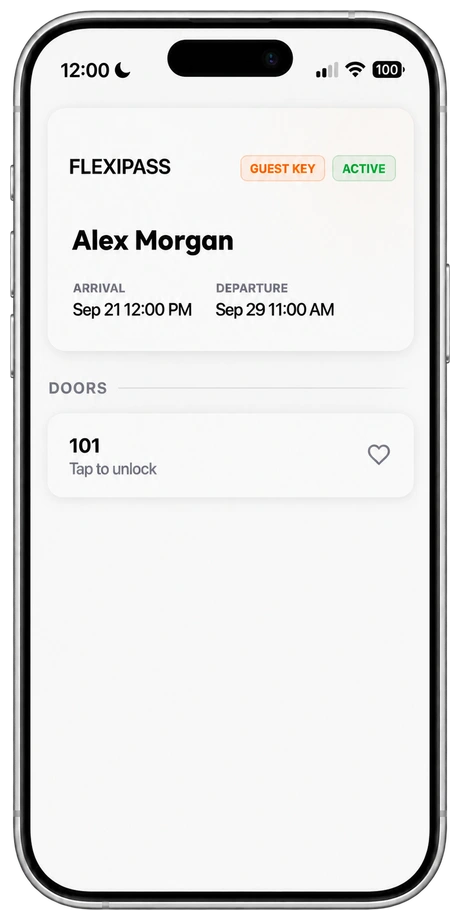
Webkeys
Send room access through your guest messages. Guests open a secure browser link to use a supported online lock.
Explore WebkeysAvailability depends on your locks, software and supported guest devices.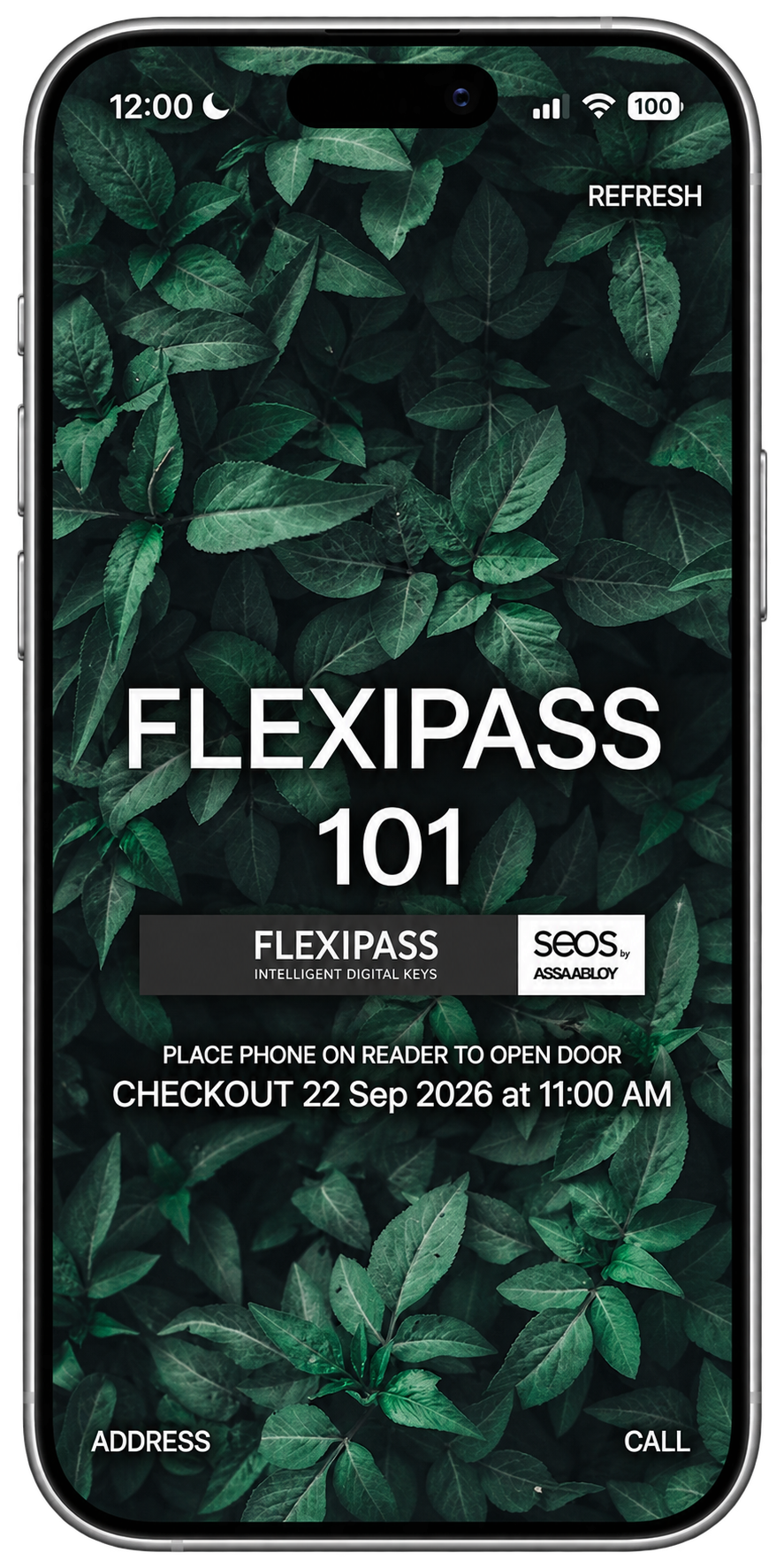
Mobile Keys
Put digital room access in a compatible app. A downloaded Mobile Key communicates with a supported lock over Bluetooth.
Explore Mobile KeysAvailability depends on your locks, software and supported guest devices.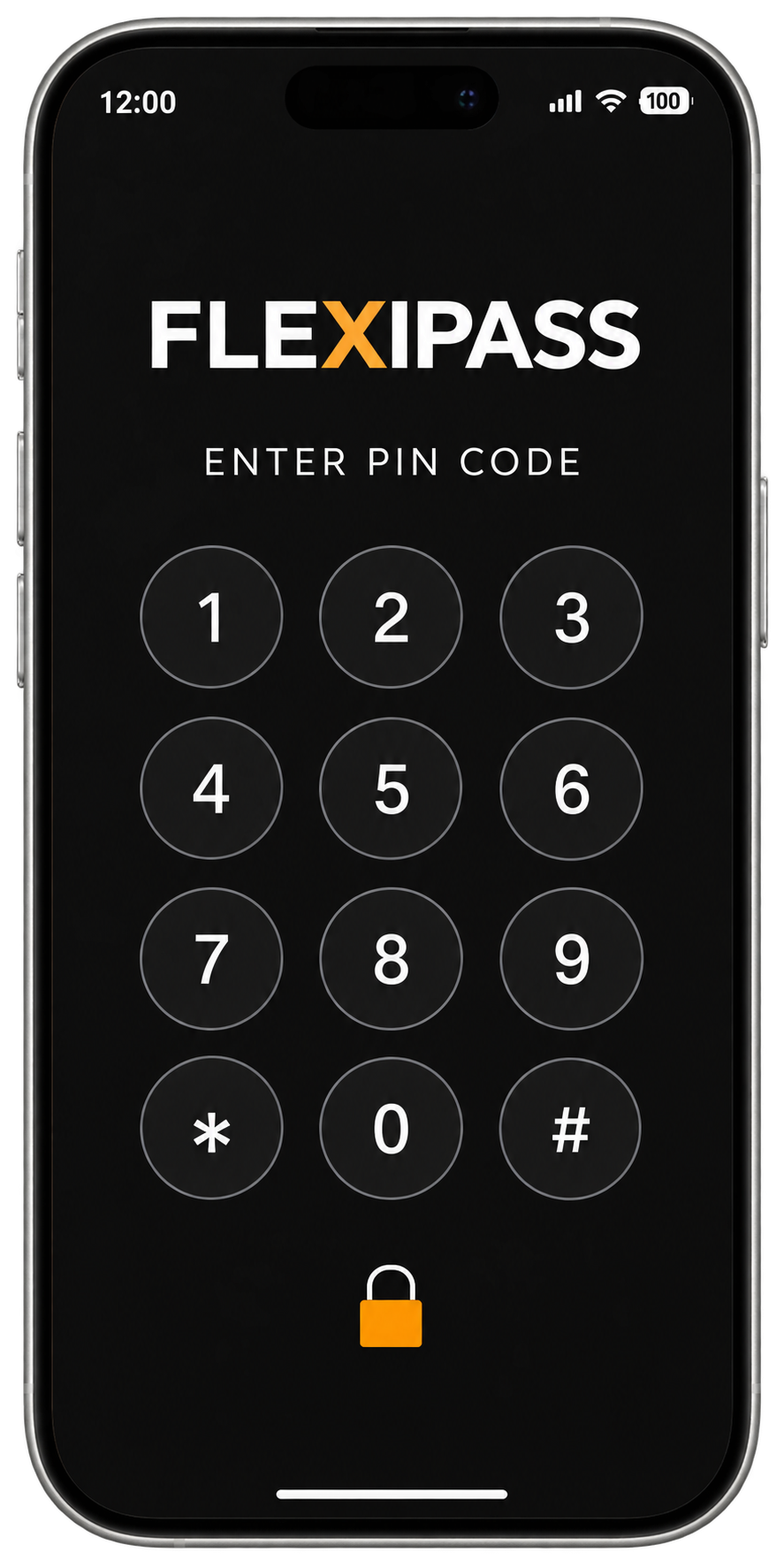
PIN Codes
Give guests a PIN for a compatible door keypad. Connect code-based access to your guest workflow with a supported online lock system.
Explore PIN CodesAvailability depends on your locks, software and supported guest devices.Your locks. Your hotel systems. Your guest experience. Bring them together with FLEXIPASS.
Explore the marketplace
Explore the systems behind a better stay.
From your first question to a welcome that works.
Share your locks, access software, PMS and guest tools. We’ll help review compatibility.
Choose your key type and plan check-in, key delivery and a physical-key fallback.
Work with your technology partners to configure, test and introduce digital keys.
Connect hotel access through the FLEXIPASS Open API, or add Mobile Keys to your guest app with the SDK. Plan key issuance, delivery and access permissions across supported door-lock systems.
Explore the API & SDKWEBKEYS
A secure link in your guest messages brings the room key into their smartphone browser. No separate key app to download.
Discover WebkeysRequires a supported online lock and connectivity.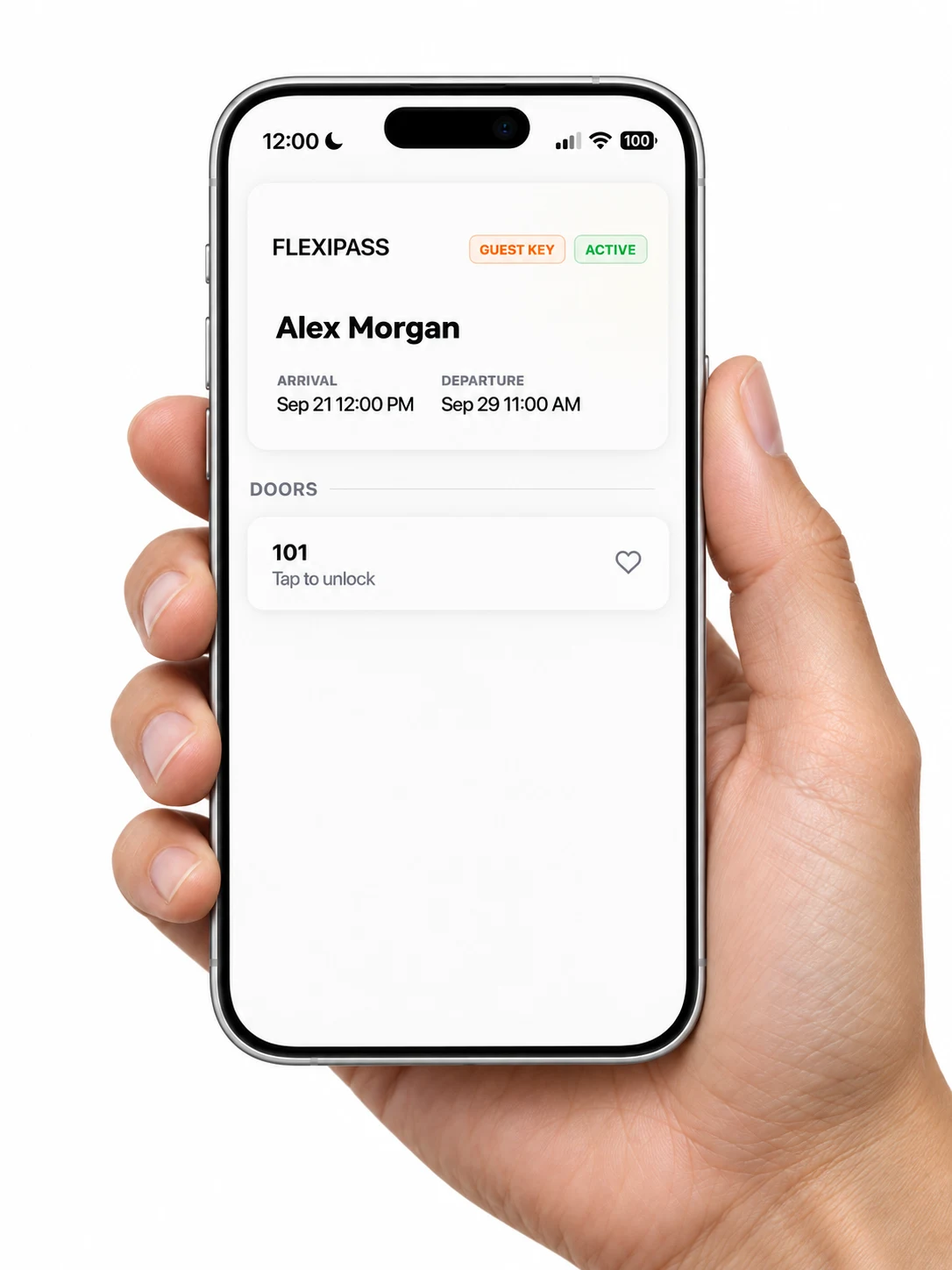
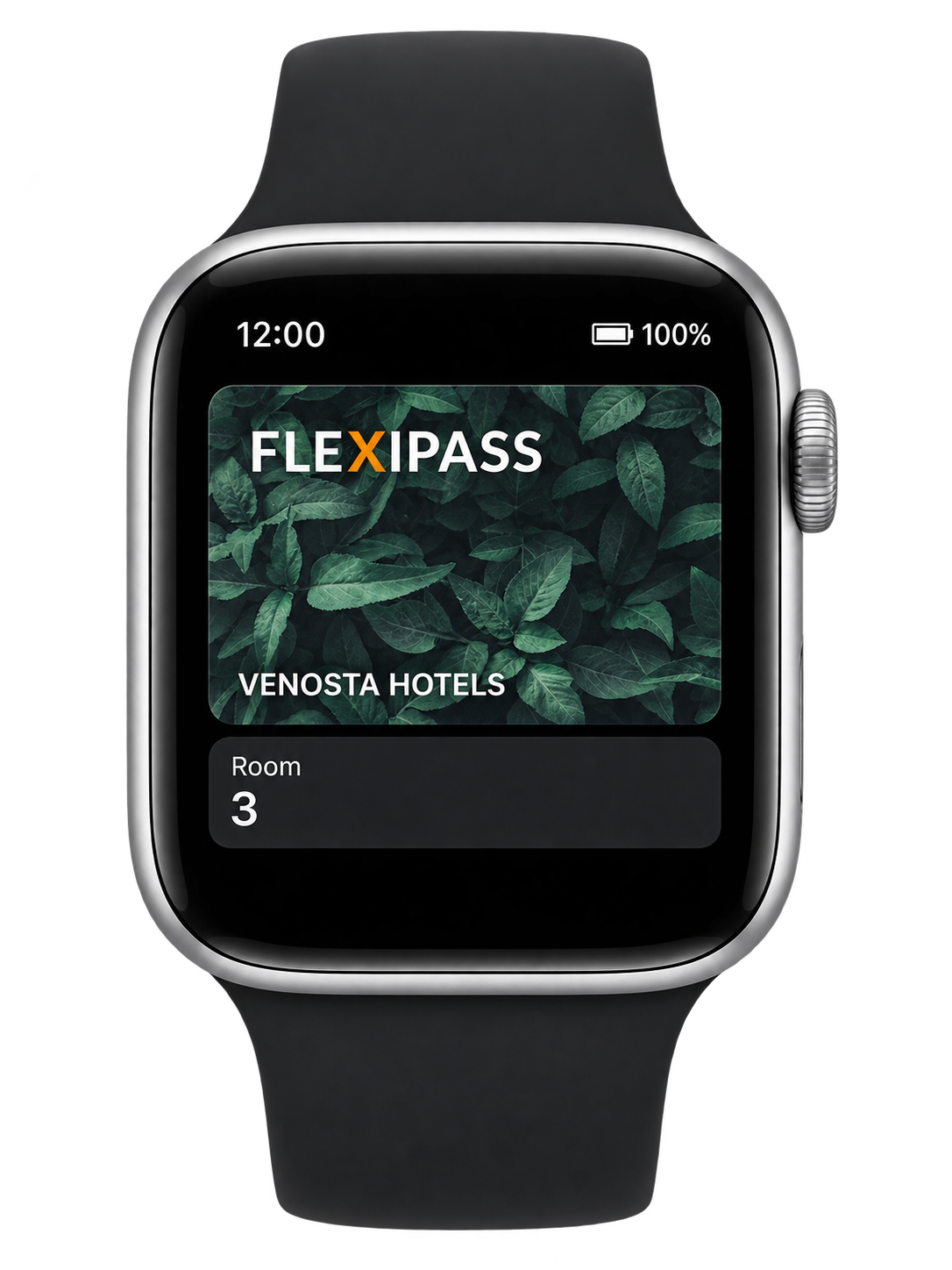
WALLET KEYS
Let guests keep their room key on a supported phone or Apple Watch. A tap at a compatible reader becomes part of the arrival.
Explore Wallet KeysIllustrative experience. Requires supported devices, readers and hotel software.OUR CUSTOMER COMMUNITY
Explore the hotels, resorts and apartments in the FLEXIPASS customer community.
Explore all references
Riyadh Saudi Arabia

Metro Vancouver Canada

England United Kingdom

Sentosa Gateway Singapore
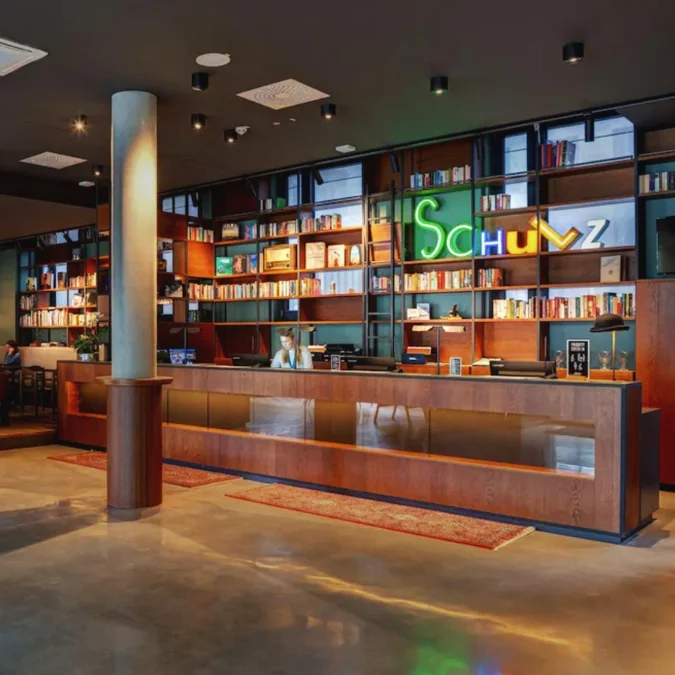
Berlin Germany

Banff Park Canada
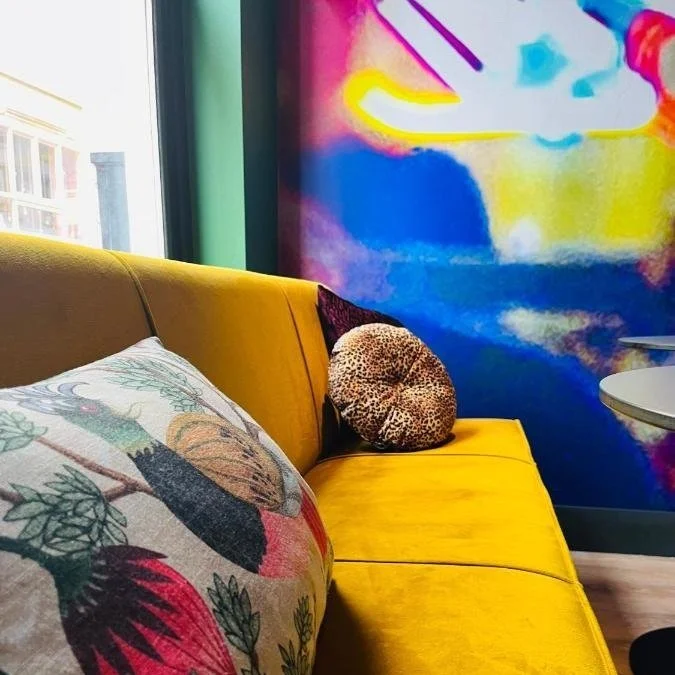
Breda | Netherlands
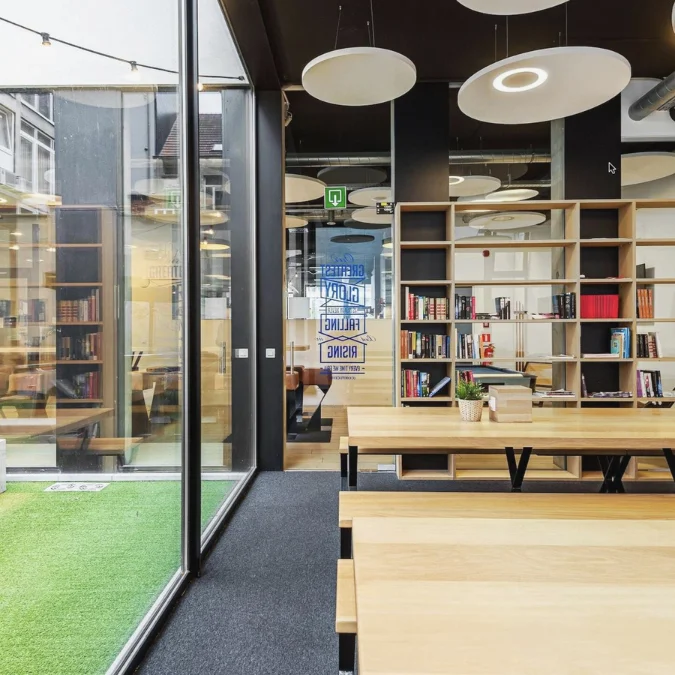
Antwerpen Belgium
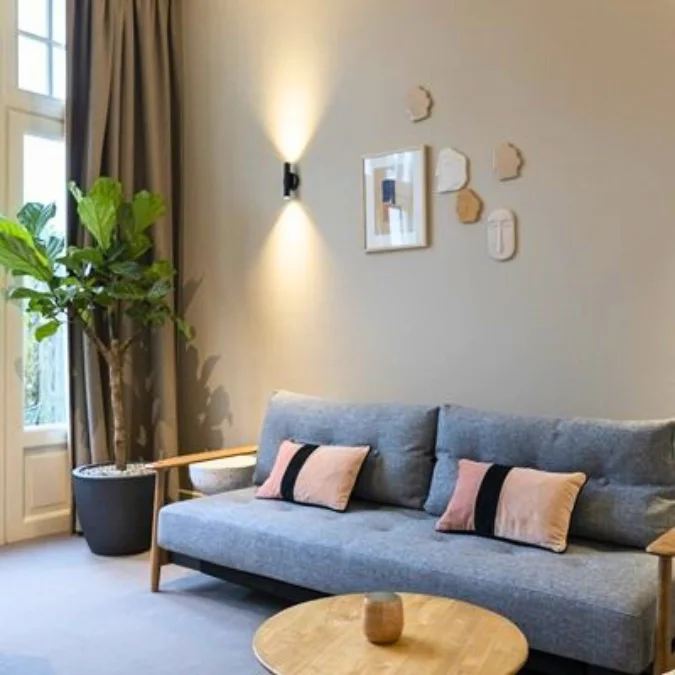
DUTCHEN | Haarlem Netherlands
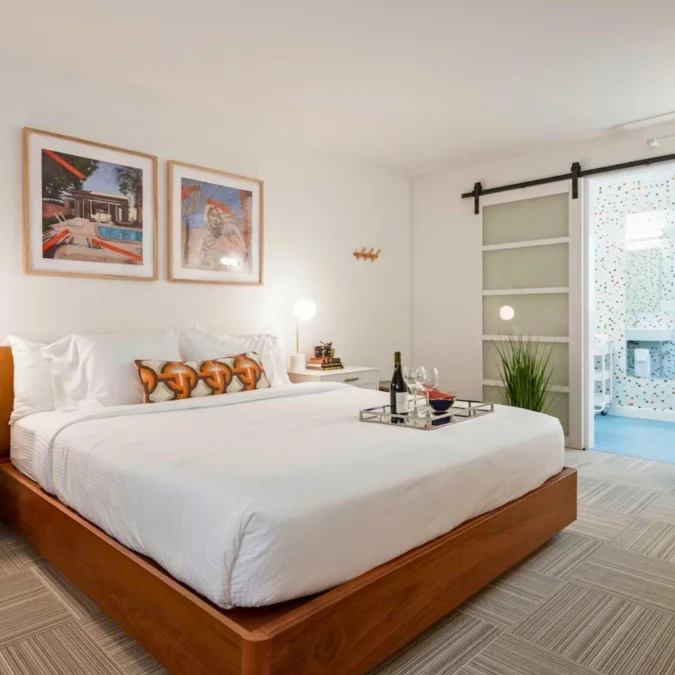
Virginia | United States
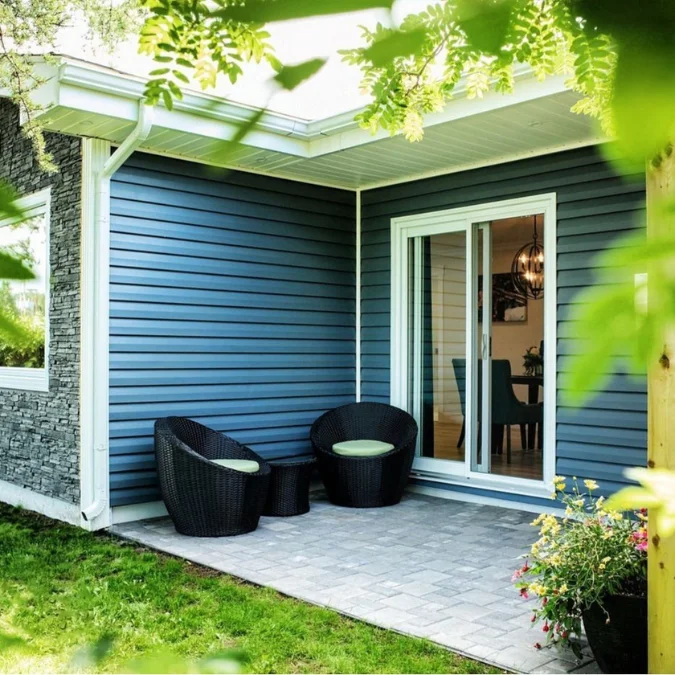
Labrador | Canada

New York HQ United States

Westcord Group | Amsterdam Netherlands
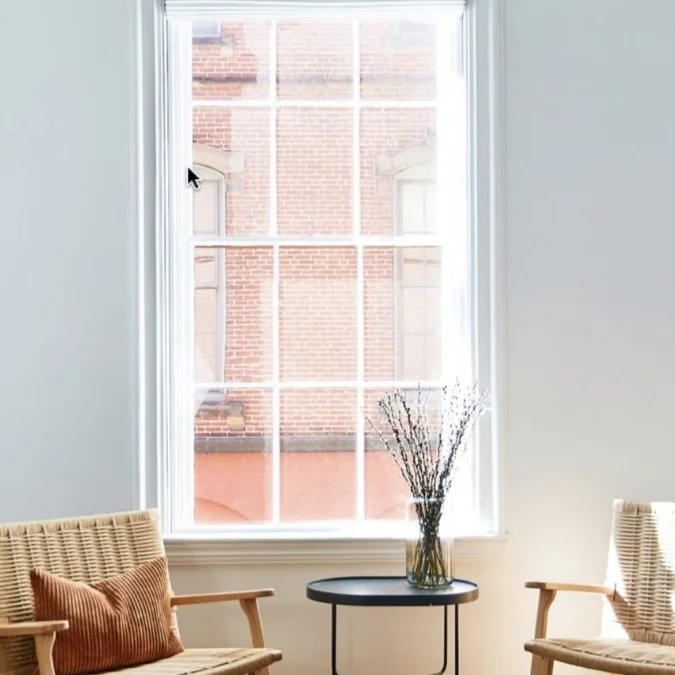
Portland United States

Bad Goisern Am Hallstaettersee Austria

Los Angeles California United States
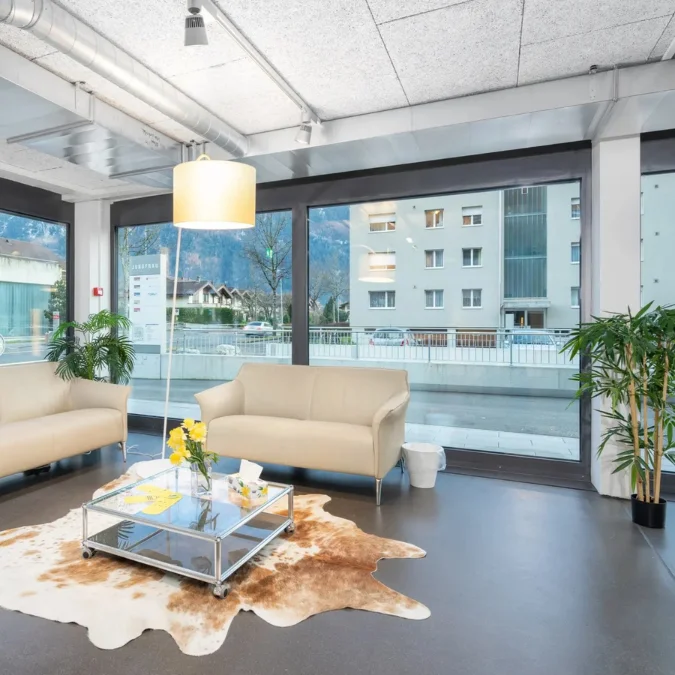
Interlaken Switzerland

ACCOMMODATION | Bondi Beach Australia
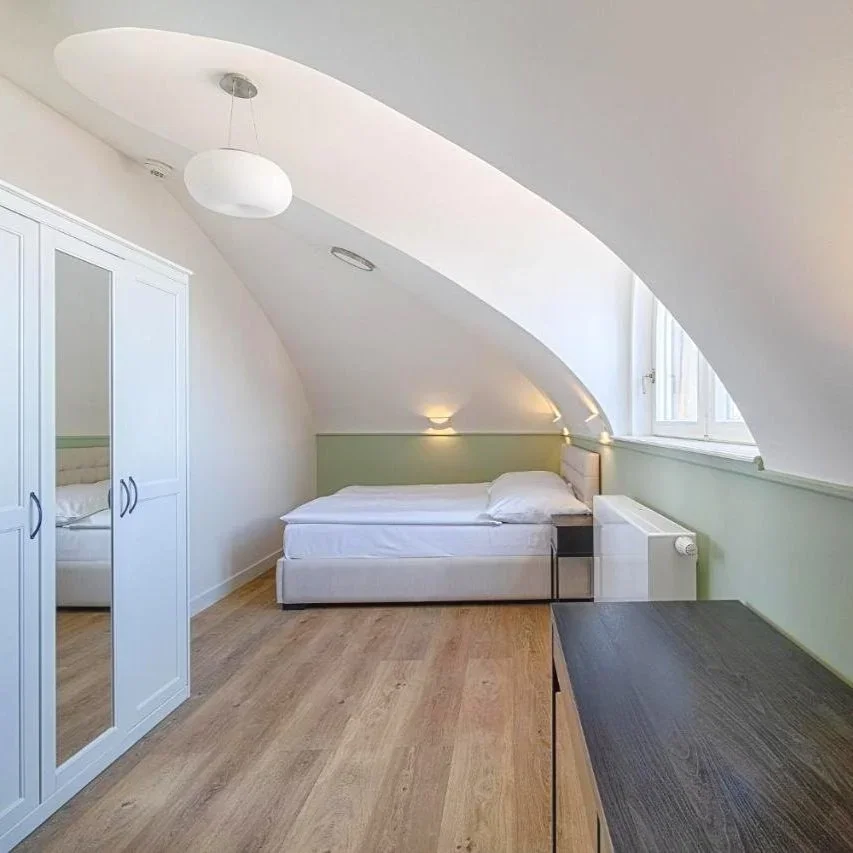
Prague Czech Republic

Rotterdam Netherlands

London United Kingdom

Reykjavik Iceland

Porto Portugal
Send access through your guest communication workflow once your hotel’s check-in requirements are met. Give guests clear instructions before they arrive.
Explore integrationsChoose Wallet Keys, Webkeys, Mobile Keys or PIN Codes around your supported locks and guest devices. Keep a physical-key fallback for guests who need it.
Compare digital keysConnect your hotel technology with the people and tools that support each stay.
Meet the platformA hotel keyless entry system lets guests access a room with a digital credential. FLEXIPASS connects supported hotel systems and locks to Wallet Keys, browser-based Webkeys, app-based Mobile Keys and PIN Codes.
Compatibility depends on your lock provider, model, access software and configuration. Check your PMS and door-lock setup before choosing a technology; some installations need upgrades or additional hardware.
Webkeys open in a smartphone browser, while Wallet Keys use a supported digital wallet. Mobile Keys use a compatible app. PIN Codes are entered on a supported door keypad.
A previously downloaded Mobile Key can work with supported Bluetooth locks without a data connection at the door. Webkeys require a supported online lock and connectivity. Requirements vary by technology and setup.
Keep a physical-keycard fallback through your hotel’s lock system for guests without a supported device. Digital access can reduce reliance on plastic cards while preserving this option.
Start with the compatibility check. Then review key delivery, access permissions and your check-in workflow with FLEXIPASS and your technology partners. Developers can integrate through the Open API or Mobile Key SDK.