What is a hotel door PIN code?
A hotel door PIN code is a numeric code that a guest types on a keypad lock to open the door. No keycard and no app are needed at the door.
Give guests a hotel door PIN code for a compatible keypad. The FLEXIPASS PIN Codes API connects supported online lock systems to your access and guest communication workflow.
Requires a supported online lock system and compatible keypad.
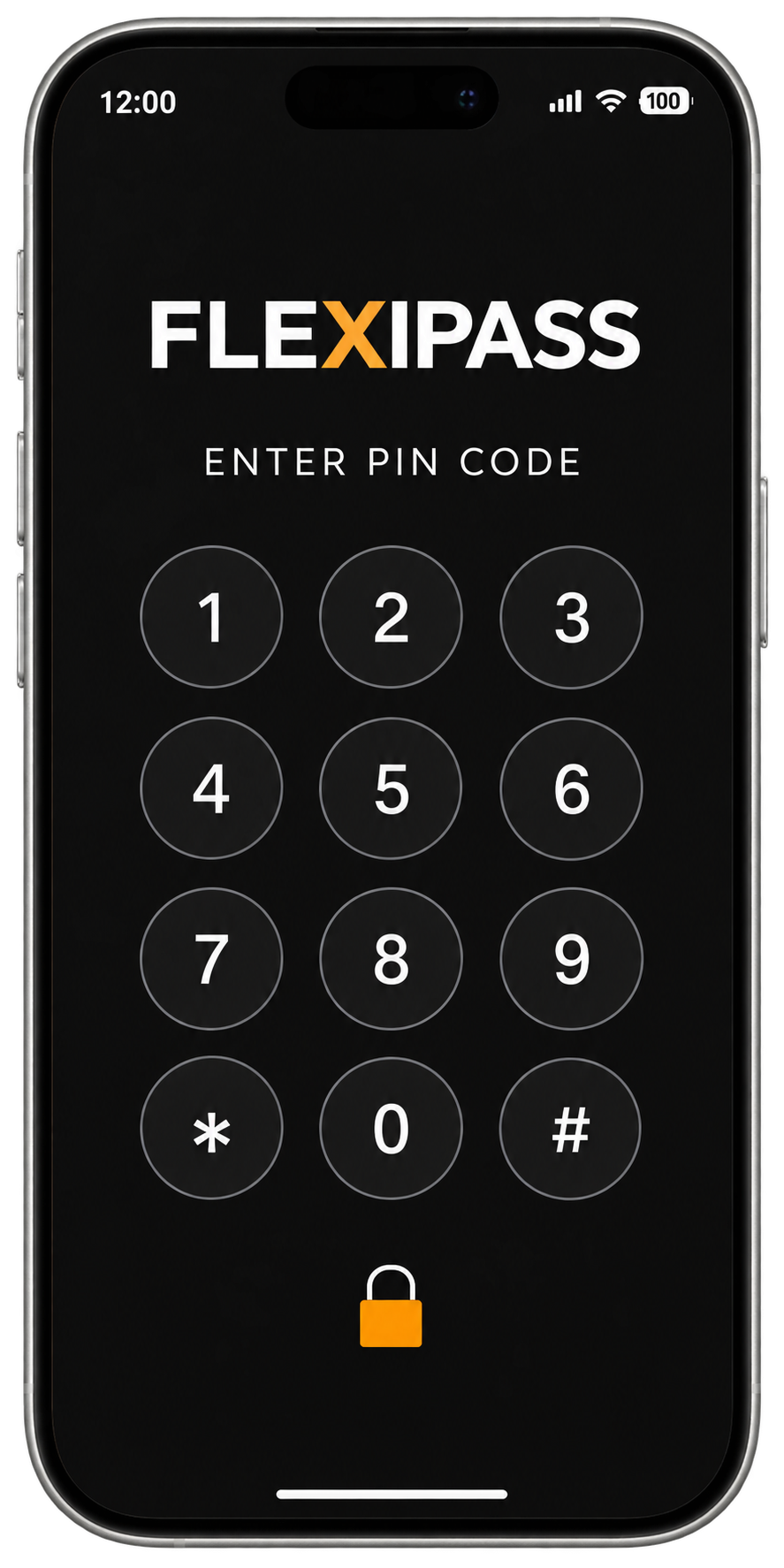
Use the FLEXIPASS API to manage PIN-based access through a supported lock integration.
Deliver the PIN through your configured guest communication workflow.
Guests type their code on the compatible door keypad. No key app is needed at the door.
DESIGNED FOR YOUR GUEST JOURNEY
Send a PIN through your configured guest messages. Guests enter it on a compatible door keypad, without needing a smartphone at the door. Set access rules through the supported lock integration and plan a fallback for your property.
Explore the PIN Codes APIQUICK ANSWERS
Hotel door PIN codes: quick answers
A hotel door PIN code is a numeric code that a guest types on a keypad lock to open the door. No keycard and no app are needed at the door.
The code is created for the stay and sent to the guest.
As long as the hotel decides. The hotel sets the validity of each code and can change a code at any time.
PIN codes suit late arrivals, properties without a 24-hour reception and guests who prefer not to use a phone at the door. The code is sent with the booking, so a guest who arrives after reception closes types it on the keypad and goes straight in.
Yes. FLEXIPASS serves hotels, hostels, serviced apartments and student housing, and PIN codes suit properties without a 24-hour reception. The keypad lock needs a supported online setup: FLEXIPASS lists SALTO SPACE, SALTO KS, ASSA ABLOY TESA Wireless, TTLock and Glutz for PIN Codes.
The FLEXIPASS compatibility catalogue lists SALTO SPACE, SALTO KS, ASSA ABLOY TESA Wireless, TTLock and Glutz for PIN Codes.
PIN code access comes from lock manufacturers that make keypad locks and from software providers that create and send the codes. FLEXIPASS is a software provider: it connects SALTO, ASSA ABLOY TESA, TTLock and Glutz keypad locks to your PMS and guest communication.
Yes. PIN Codes work with PMS and guest experience apps, so codes can be created and sent with the booking.
See compatible locksWhy choose FLEXIPASSSee FLEXIPASS customers
COMPARE THE OPTIONS
| Feature | Wallet Keys | Webkeys | Mobile Keys | PIN Codes |
|---|---|---|---|---|
| Where the guest’s key is | Apple Wallet or Google Wallet | A secure link opened in the phone’s browser | The FLEXIPASS app or a supported guest app | A code entered at the door keypad |
| Separate key app for the guest | No | No | Yes | No |
| How the door opens | Tap a supported phone or watch at a compatible reader | Tap in the browser to open a supported online lock | The phone communicates with a supported lock over Bluetooth | Enter the code on a compatible keypad |
| Lock requirement | Wallet-capable readers and supported guest devices | Supported online locks | Supported Bluetooth locks | Supported online locks with a compatible keypad |
| Connection at the door | Supported device and compatible reader | The lock system and the guest need a connection | A downloaded key works offline until it expires | Online lock setup with keypad |
| Lock configurations listed today | 1 (+3 coming soon) | 17 | 5 | 5 |
| Details | Wallet Keys guide | Webkeys guide | Mobile Keys guide | PIN Codes guide |
Check your property’s compatibility to see which options are listed for your locks and PMS.
BUILT AROUND YOUR PROPERTY
The compatibility matrix lists SALTO KS, SALTO SPACE, ASSA ABLOY TESA Wireless, TTLock and Glutz for PIN Codes. Exact hardware, software and online requirements still need a property review.
Check compatibilitySee compatible locksMAKE AN INFORMED CHOICE
Confirm the keypad, lock software and delivery workflow together. A PIN Code option depends on the complete supported configuration.
FLEXIPASS / THE GUEST JOURNEY
FLEXIPASS PIN Codes let guests use a compatible door keypad. Review the supported online lock setup, code validity and delivery process.
Check your property’s setupSend instructions through the agreed guest channel. Explain which entrance or keypad the code opens.
Release the code after the property’s required checks. Guests do not need a phone or key app at the keypad.
Test expiry, extensions and changes with the selected lock integration. Agree how staff handle a shared, lost or non-working code.
Reducing reception queues starts with completing tasks before arrival. FLEXIPASS connects digital access to supported hotel workflows; identity checks, payment, room readiness and staff assistance still need a clear process.
BEFORE YOU GET STARTED
PIN Codes provide code-based access at a compatible door keypad. FLEXIPASS connects supported online lock systems through its PIN Codes API.
SALTO KS, SALTO SPACE, ASSA ABLOY TESA Wireless, TTLock and Glutz are listed in the FLEXIPASS compatibility guide. Confirm your exact model, software, connectivity and keypad.
Guests enter their PIN on the compatible door keypad. A phone can receive and display the code, but a separate key app is not needed to enter it.
Access rules and validity depend on the selected lock integration and your configured workflow. Review scheduling, permissions and code delivery before rollout.
No. A keypad alone does not establish compatibility. Your lock system, access software, online configuration and PMS integration must support the PIN Code workflow. Use the compatibility checker to review the listed combination.
The FLEXIPASS PIN Codes integrations listed here require a supported online setup. Do not assume code creation, updates or door operation will continue during a connection outage; confirm the behavior of your selected system before rollout.
Deliver the PIN through your configured guest communication workflow. Review when the code is issued, how the guest receives it and which access rules the selected lock integration supports.
Share your PMS, door-lock provider, access software, keypad and online configuration. Include how guests complete check-in and receive their code. FLEXIPASS can review the listed integration path and identify the requirements to confirm with your lock provider.
YOUR NEXT WELCOME
See the guest experience. Find out what your property needs.
Book your demo