FLEXIPASS connects supported PMS, guest communication and door-lock systems to deliver digital hotel access. Here is what happens behind the key—and what your hotel needs to confirm.
The PMS holds the reservation. Your check-in workflow confirms the guest and room assignment. FLEXIPASS connects supported hotel systems with the access system so a digital key can be issued for the approved stay. An integration must support the complete combination of PMS, lock software and key technology.
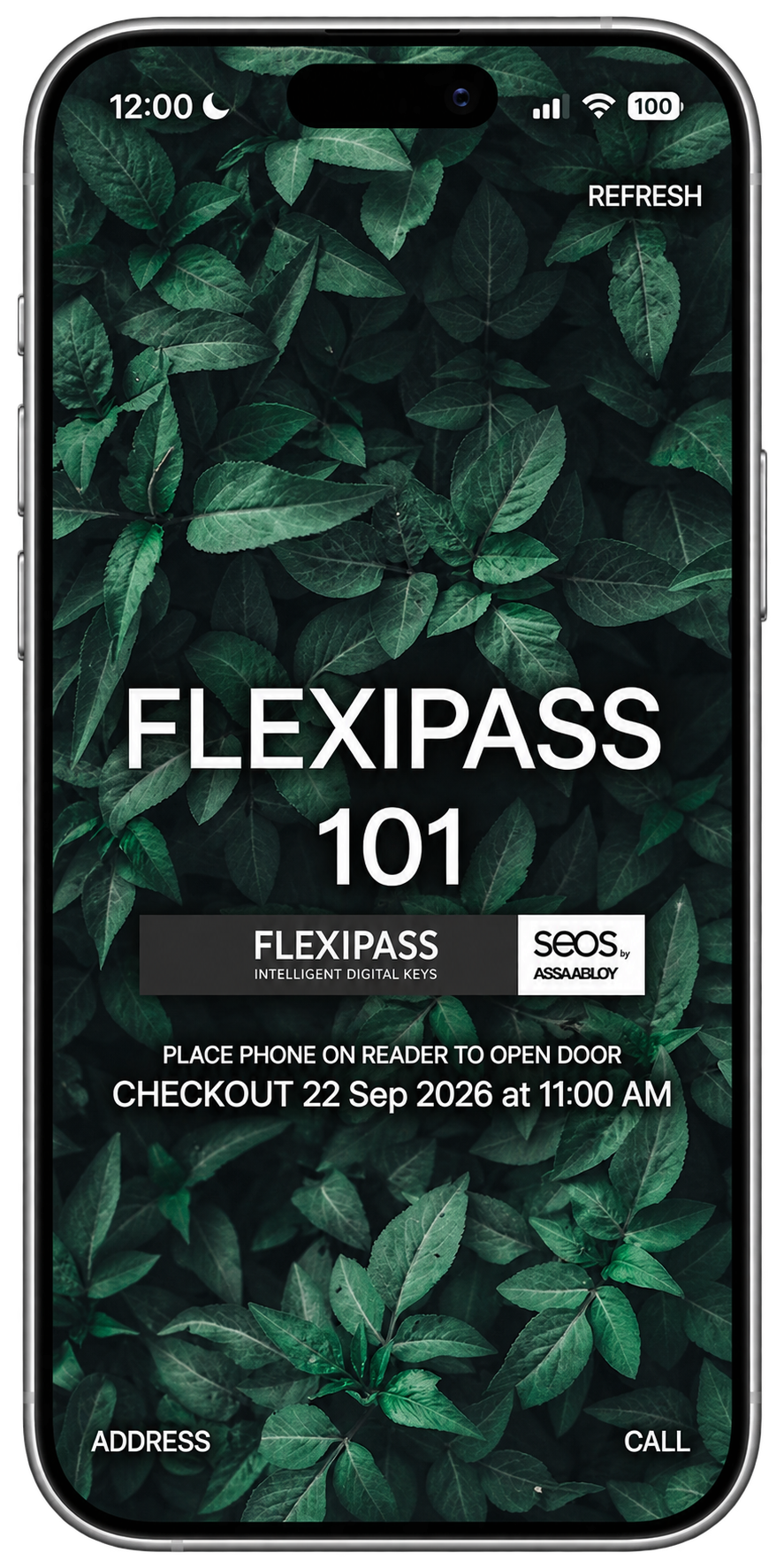
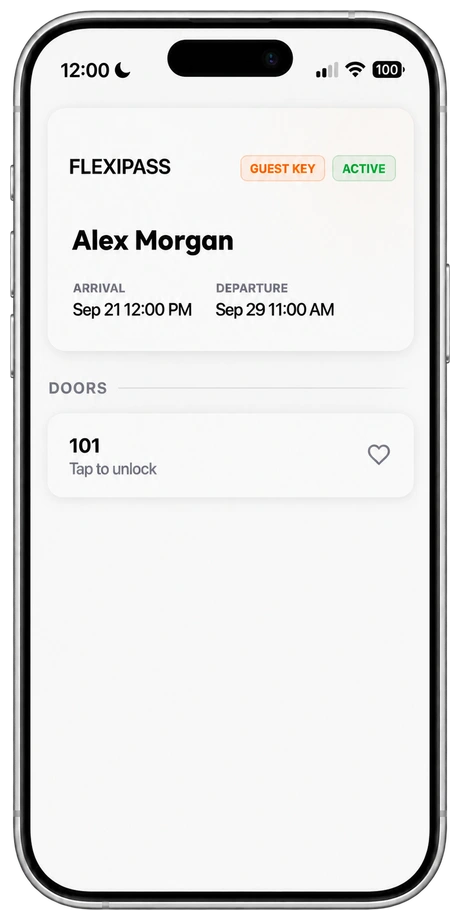
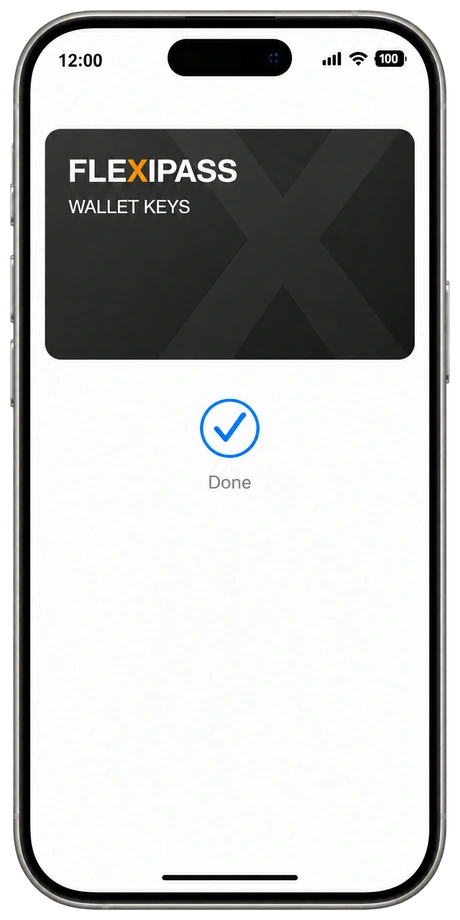
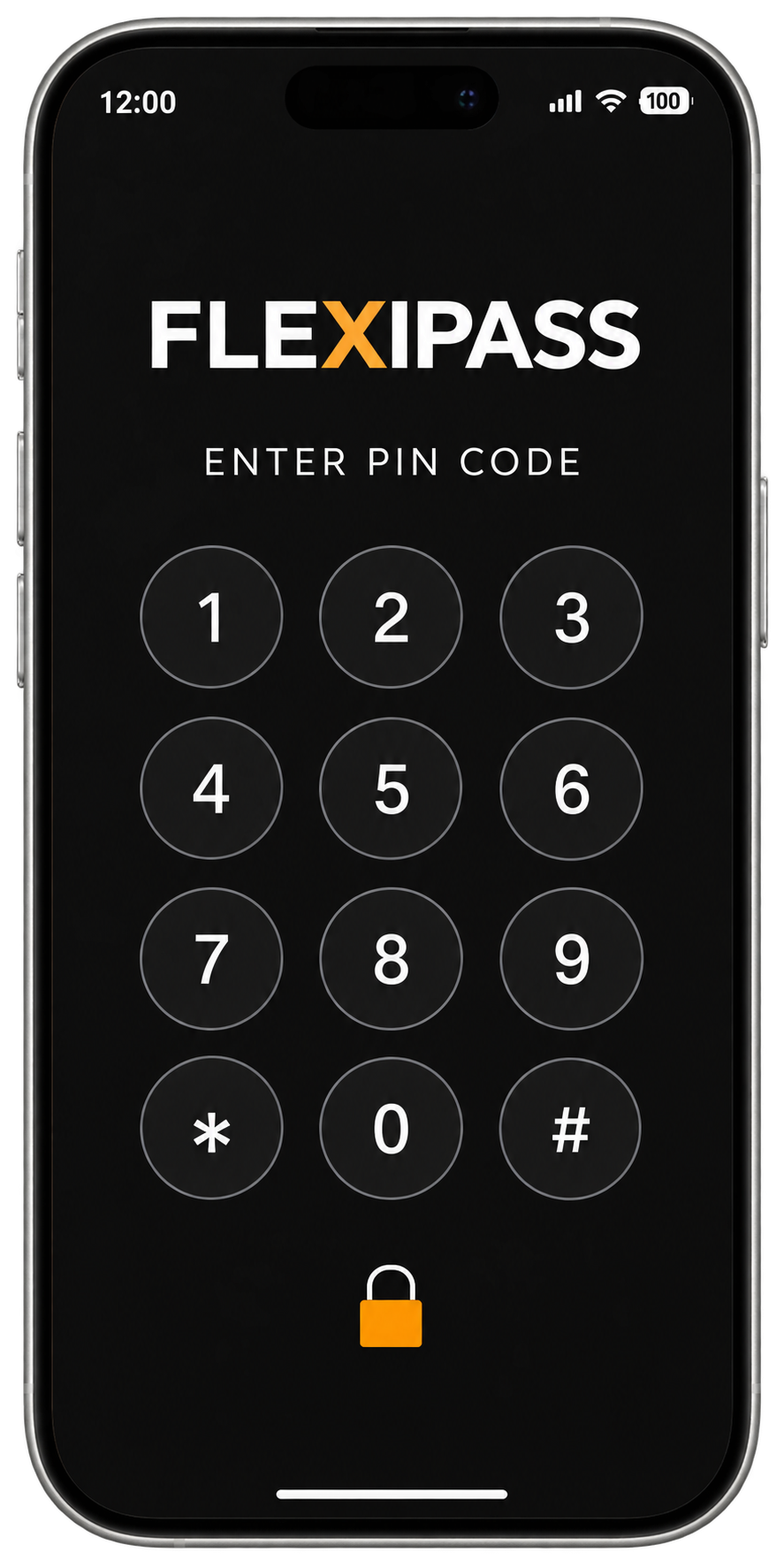
Webkeys open in a browser with supported online locks. Mobile Keys use a compatible app and Bluetooth lock; downloading or updating the key requires connectivity. Wallet Keys need a supported wallet, device and reader. PIN Codes require compatible keypad hardware and a supported lock integration.
Digital room access does not replace identity checks, payment requirements or room readiness. Complete the required arrival tasks before releasing access. Tell guests when their key will arrive, how to use it and where to get help.
Confirm key validity, room changes, extensions and revocation with your integration team. Test unsupported phones, failed delivery and lost connectivity. Keep an alternative access process available through your lock system and make staff assistance easy to reach.
Mirror Lake Inn combined Mobile Keys with Vingcard locks, HeyFetch and Maestro PMS while retaining traditional check-in. Its experience shows why the systems and fallback process matter together.
The PMS holds the reservation. Your check-in workflow confirms the guest and room assignment. FLEXIPASS connects supported hotel systems with the access system so a digital key can be issued for the approved stay.
Do digital keys replace check-in?
No. Digital room access does not replace identity checks, payment requirements or room readiness. Complete the required arrival tasks before releasing access.
What are the four ways a guest can receive a digital key?
Webkeys open in a browser with supported online locks. Mobile Keys use a compatible app and Bluetooth lock. Wallet Keys need a supported wallet, device and reader. PIN Codes require compatible keypad hardware and a supported lock integration.
What should hotels plan for if a key fails?
Confirm key validity, room changes, extensions and revocation with your integration team. Test unsupported phones, failed delivery and lost connectivity, and keep an alternative access process available.
Start with the systems you have.
Review your PMS, lock provider and guest workflow with FLEXIPASS.