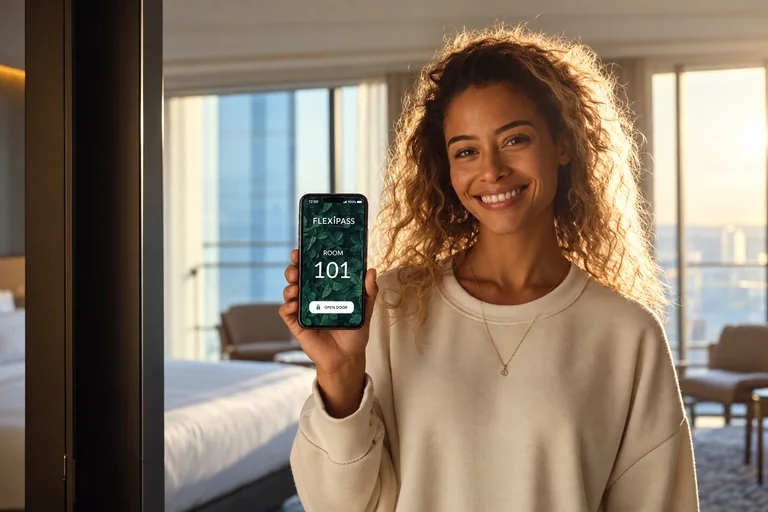
What is a hotel Mobile Key?
Mobile Keys let guests open compatible hotel doors through a smartphone app. FLEXIPASS connects supported hotel systems so digital room access fits the guest journey, from approved check-in to the end of the stay. A downloaded key communicates with a supported lock over Bluetooth. Guests need connectivity to download or update it. A Mobile Key is different from a browser-based Webkey or a key stored in a digital wallet.
Make arrival easier to understand
Tell guests which app to use, when their key will become available and what they must complete first. Key delivery should follow the property’s approved check-in and room-assignment process. An early message helps guests prepare before they reach the door; digital access does not replace identity, payment or registration requirements.
Connect your PMS, app and door locks
FLEXIPASS supports integrations across the hotel technology ecosystem. Confirm the exact PMS, lock provider, access software and app combination. A provider appearing in a directory does not mean every model or software configuration supports every key type. Start with the compatibility checker and confirm deployment requirements with the integration team.
Choose the guest app experience
Use the FLEXIPASS app or review a supported existing guest app. The Mobile Key SDK provides an integration path for development teams. Test device support, Bluetooth permissions, key downloads and update handling before inviting guests. App stores distribute applications; they are not the hotel’s access-management system.
Keep a fallback at the door
A downloaded Mobile Key can work without a data connection during its validity period, subject to the supported setup. Initial downloads and updates require connectivity. Plan for unavailable phones, disabled Bluetooth, failed downloads and room changes. Keep a physical-keycard or other supported alternative available and make staff assistance easy to find.
A real example: Mirror Lake Inn
Mirror Lake Inn introduced FLEXIPASS Mobile Keys alongside Vingcard locks, HeyFetch guest communication and Maestro PMS. Guests retained a choice of digital or traditional check-in. The resort reports less reception workload and positive guest feedback; the case study does not establish a universal percentage improvement.
Measure whether the experience improves
Compare key activation and successful access, arrival support requests, key replacements and guest feedback before and after rollout. Separate adoption from successful door opening. Track issues by device and workflow so the team can improve instructions or configuration. Do not assume that adding a digital key automatically eliminates queues or reduces costs.
Plan your next step
What a PMS integration can automate
Mews lists FLEXIPASS features including key issuance from the PMS, room-change handling, room-readiness checks and multiple keys per reservation. These are examples of the operational details to review when planning digital access. The available key technologies still depend on your hotel’s supported lock and guest-platform configuration.
See the official Mews integration listing and explore Mews + FLEXIPASS.